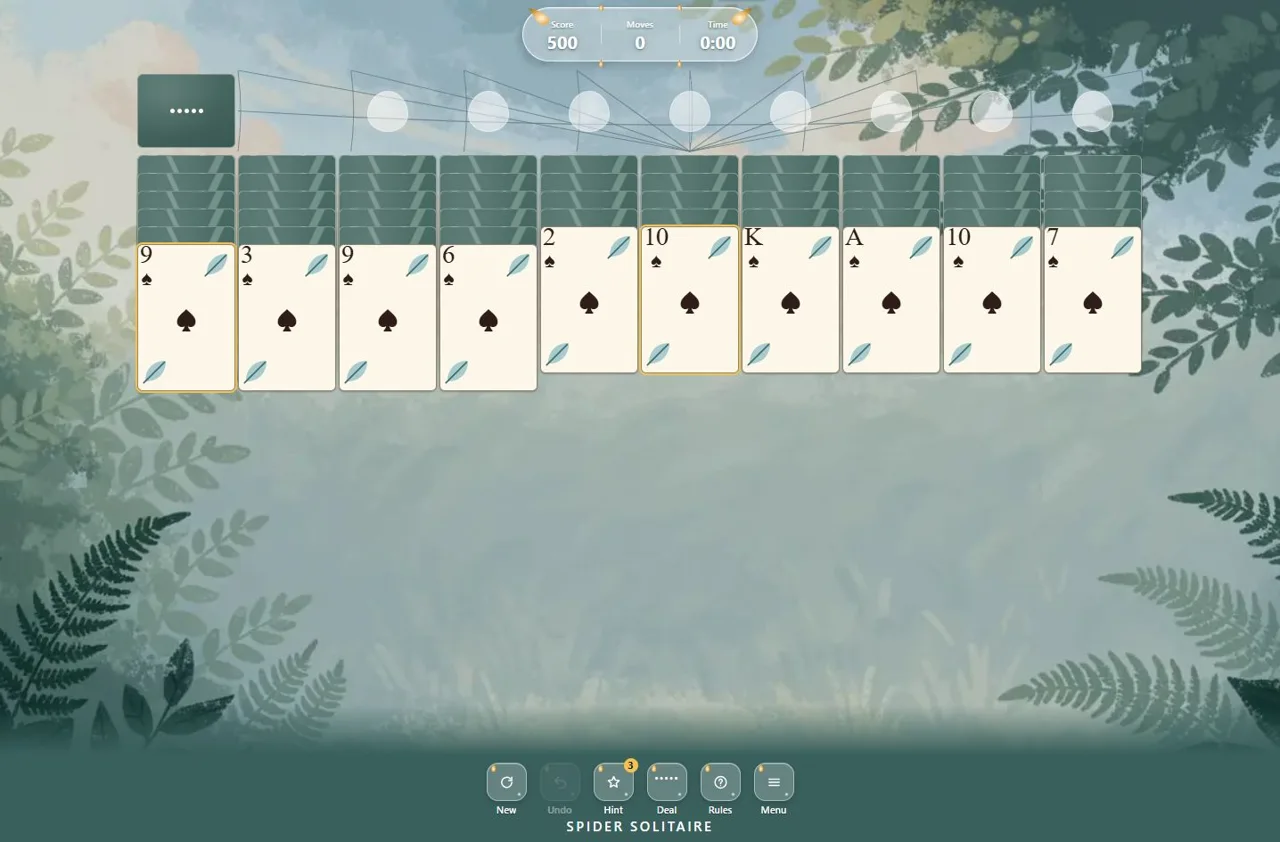
Play Spider Solitaire full screen, free online: press Play and the game opens straight into full-screen mode, so the ten columns and all 104 cards have as much room as your screen allows. Everything else is the same free Spider Solitaire game — choose 1, 2 or 4 suits, undo moves and use three free hints per deal.
How full screen works
When you press Play on this page, the player asks your browser for full screen. If the browser allows it, the game fills the whole screen; if not, the player expands to fill the browser window instead. Use the ↙ Exit full screen button above the game to return to the page; in browser full screen, Esc works too.
Full screen on any Spider Solitaire page
Every Spider Solitaire page on ManyPlay has the same ⛶ Full screen button above the game. This page simply switches it on for you. Your current deal and number of suits are kept: full screen changes the view, not the game.
Bigger cards, easier reading
Full screen spider solitaire is easier on the eyes, especially with four suits, where you need to read every symbol. For even larger cards, turn on Big cards in the game menu.
Questions about Spider Solitaire Full Screen
Is full screen Spider Solitaire free?
Yes. Spider Solitaire is free to play online in full screen, with no download.
How do I leave full screen?
Use the ↙ Exit full screen button above the game. In browser full screen, Esc also works.
Can I choose the number of suits in full screen?
Yes. Choose 1, 2 or 4 suits in the game menu, or open one of the suit pages first.
Does full screen work on a phone?
The player asks the browser for full screen. Where a browser does not allow it, the game expands to fill the window instead.
Play Spider Solitaire online for free. This classic Spider Solitaire game uses two decks — 104 cards in ten columns. Build descending runs from King to Ace in one suit: every complete run leaves the table, and you win when all eight are gone. Choose one suit for a relaxed game, two suits for a real challenge or four suits for the full test. Undo, three free hints per deal and an automatic save in your browser are included, with no download needed.
Spider Solitaire is about uncovering face-down cards and keeping your runs in one suit. You can put any card on a card one rank higher, whatever its suit, but only a same-suit run moves as a group. A quick legal move can therefore make a column harder to clear later.
In this Spider Solitaire game, when no useful move is left, deal from the stock: each deal adds one card to all ten columns, and a game has five deals. Every column must hold at least one card before you deal. Empty columns are valuable, because they accept any card or same-suit run.
Before your next move
Turn over hidden cards first; tidying cards that are already visible rarely helps.
Check the suits in a run before trying to move it — a mixed run will not travel together.
Keep an empty column free for as long as it is useful, then fill it before you deal.
Undo is unlimited, but each use costs one point.
Browser edition
Play in your browser. No app download is needed.
Questions about Spider Solitaire
How do you play Spider Solitaire?
Arrange the cards into descending runs from King to Ace. A single card can go on any card one rank higher; a run moves together only if it is all one suit. Each complete same-suit run leaves the table, and you win when all eight are cleared.
Is Spider Solitaire free?
Yes. You can play Spider Solitaire online free in your browser, with no download. Every deal comes with three free hints.
What is the difference between 1, 2 and 4 suits?
One suit uses only spades, so every descending run can move together — the easiest way to play. Two suits adds hearts, and four suits uses spades, hearts, diamonds and clubs, so you have to sort runs by suit as you build them.
Why can’t I deal new cards?
Each stock deal adds one card to all ten columns, so every column must hold at least one card first. A game has five stock deals; when they are used up, Deal is no longer available.
Does Undo cost points?
Undo is unlimited, but each use costs one point and counts as a move. It brings back the cards, not the score.
Will my game be saved?
Yes, in this browser. Your cards, score, moves and time stay after a page reload. Switching to a different number of suits starts a new deal, and clearing site data or using another device starts fresh.
Can every deal be won?
Some deals are much harder than others, and the game does not promise that every deal can be won. Undo lets you try a different line when a move does not work out.
Original ManyPlay game. Controls and examples were checked against the browser edition; cover illustrations are labelled separately from gameplay captures. Report a changed rule or control.